
blocks scanner
Scan and list every Gutenberg block used across your site. Find which posts use specific blocks, then edit or view them directly.
version
1.0.4
active installs
60+
rating
5 / 5 ★
tags
What it does
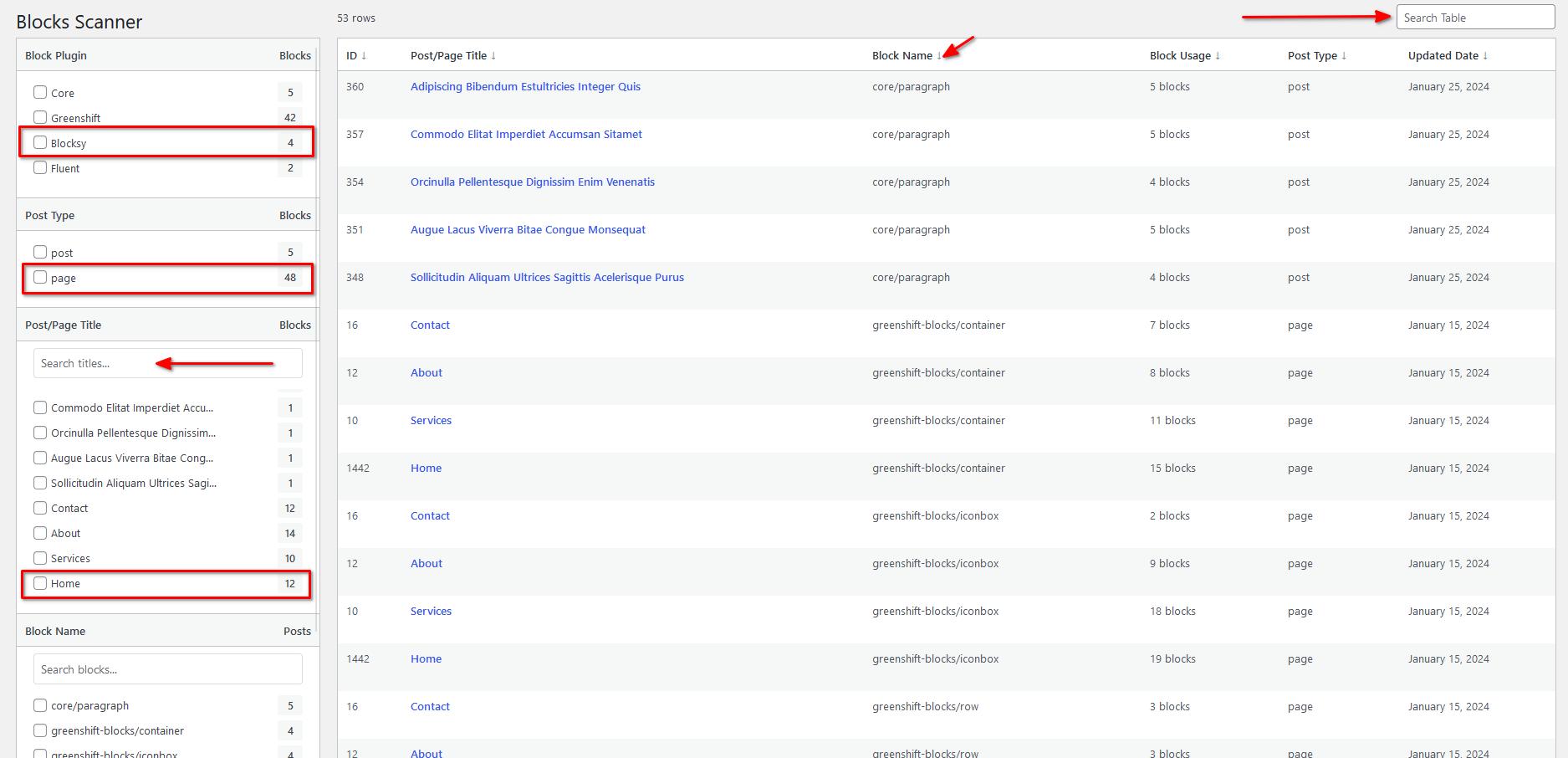
Blocks Scanner gives you a clear map of every Gutenberg block used across your WordPress site, posts, pages, custom post types, and patterns. Useful when you need to remove a plugin that creates blocks, audit your content before a migration, or just understand what's actually running on your site.
Once activated, navigate to Tools → Blocks Scanner. The plugin scans everything automatically and presents a filterable list organized by block type.
Features
Usage
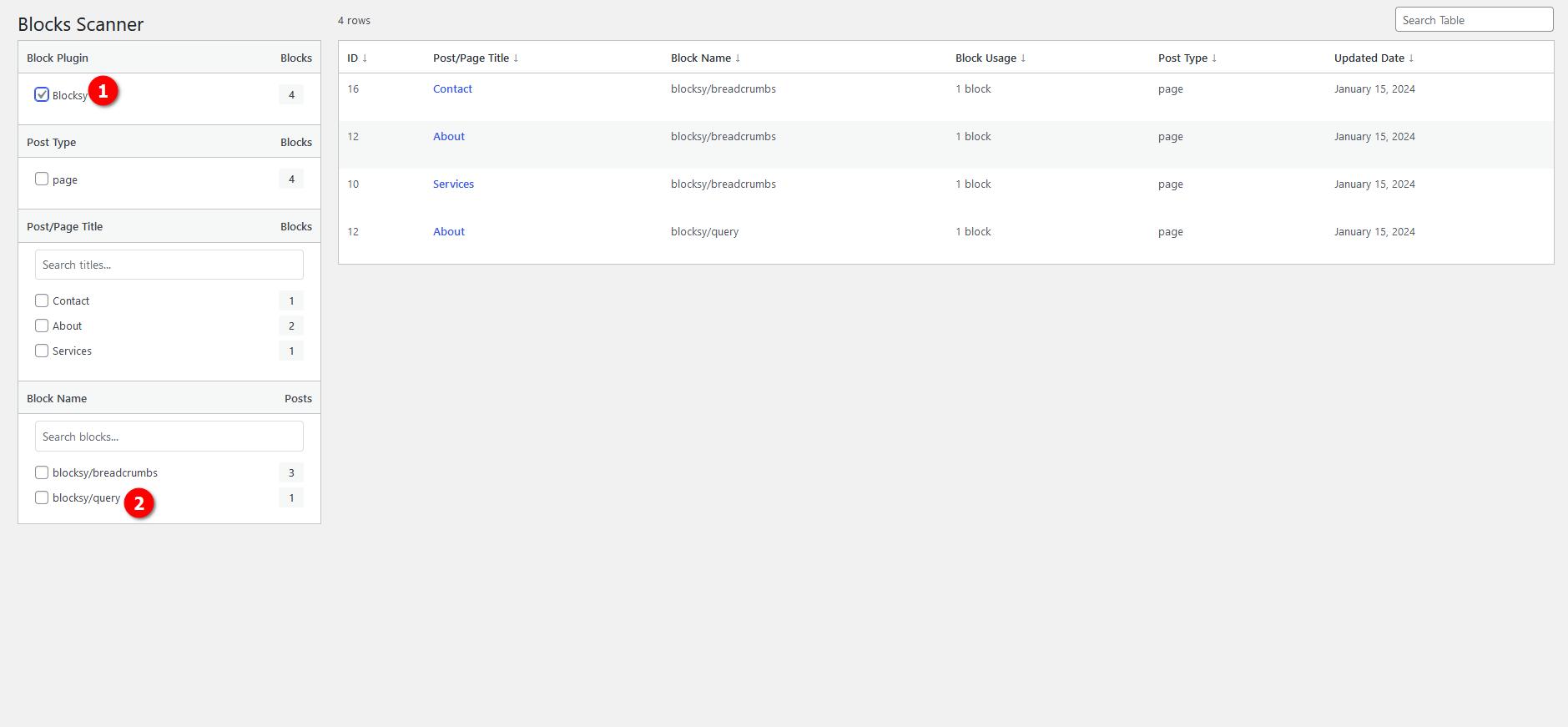
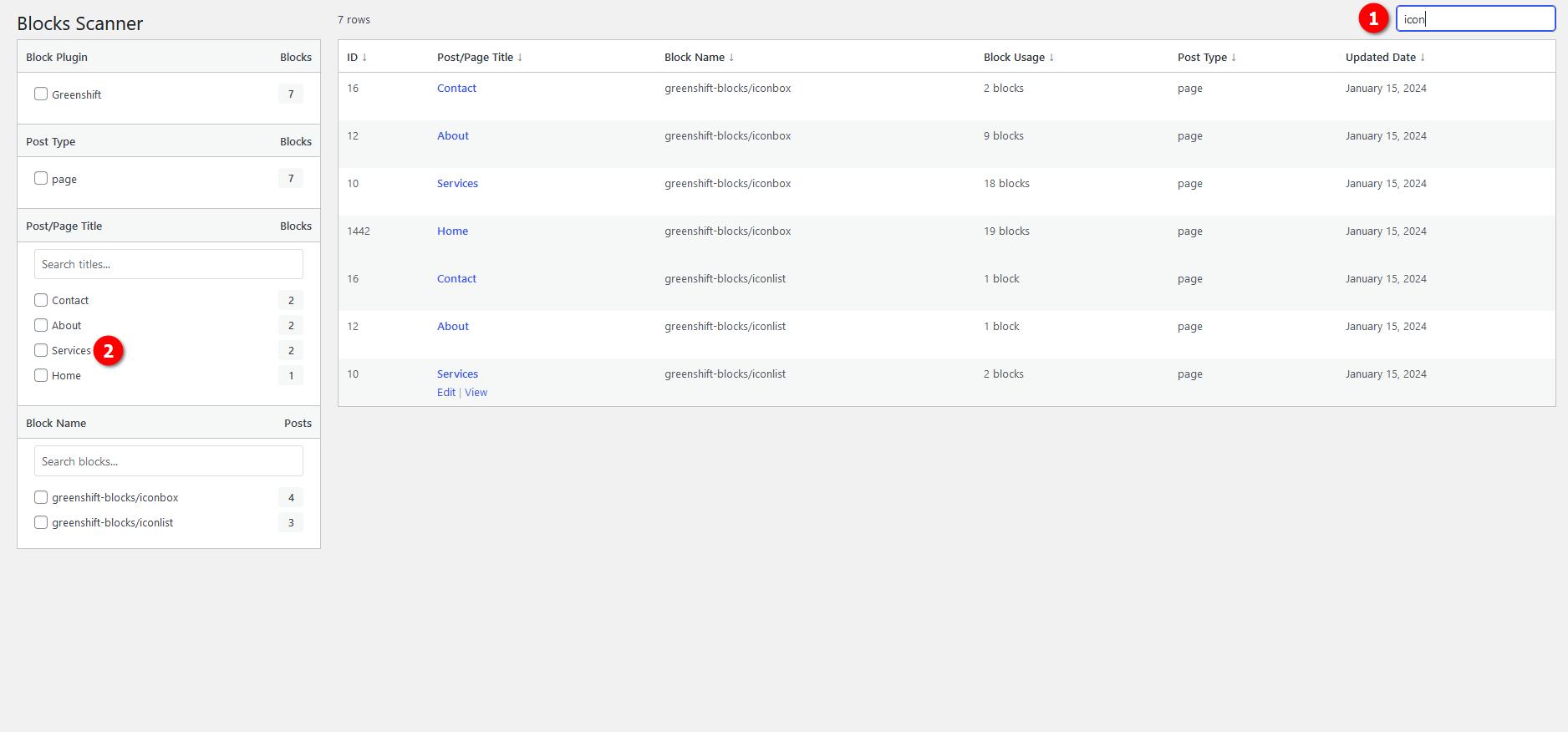
After activation, go to Tools → Blocks Scanner in your WordPress admin. The plugin scans automatically, no configuration needed. Use the live filter to narrow by block type, or the search to find specific blocks by name.
Screenshots
Need something custom?
This plugin solves a specific problem. If you need something built around your setup, let's talk.