
gallery block lightbox
Adds a touch-friendly, jQuery-free lightbox to the core Gallery block with a simple toggle. 2.78kb gzipped. No dependencies.
version
0.6
active installs
100+
rating
5 / 5 ★
tags
What it does
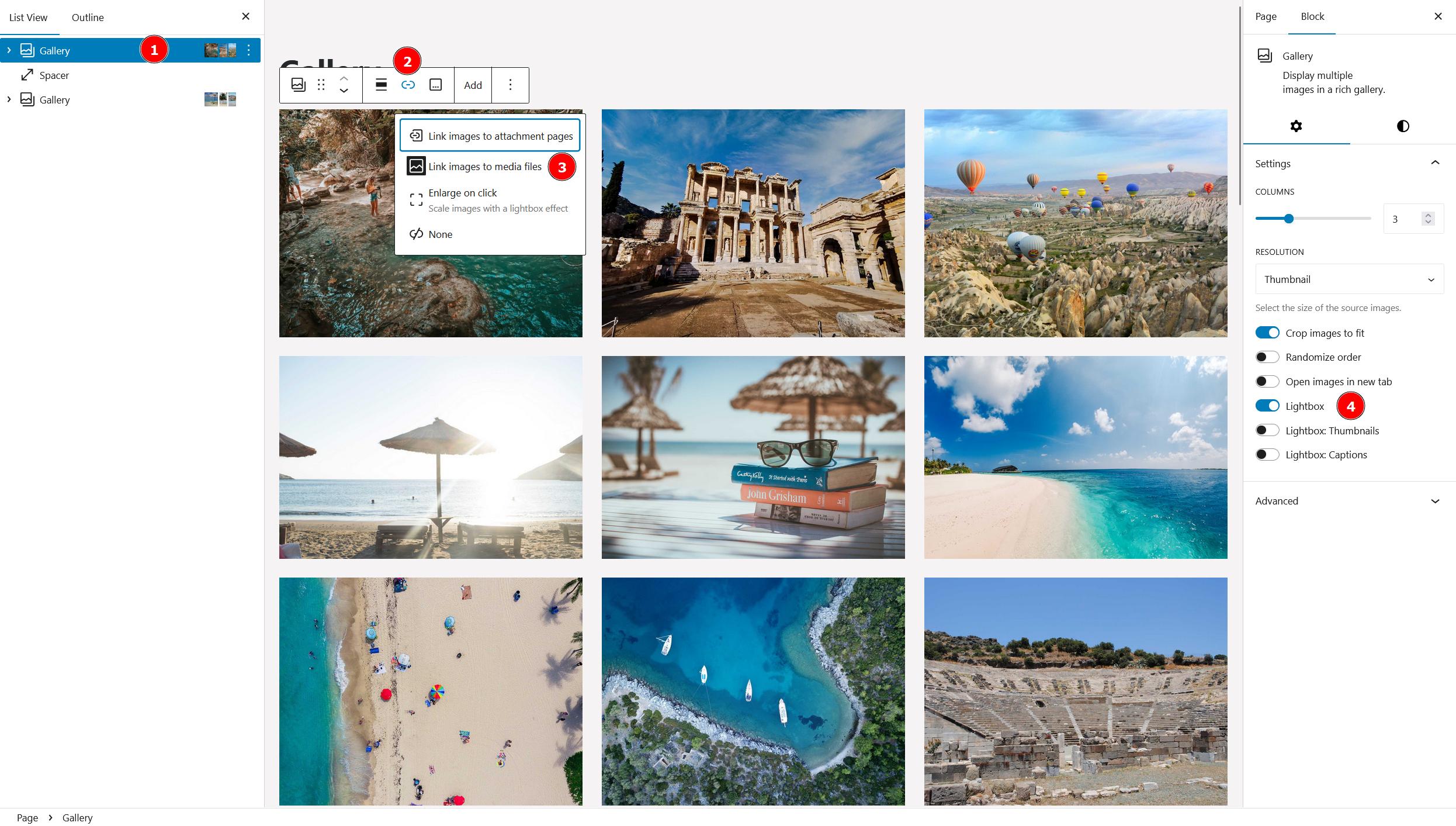
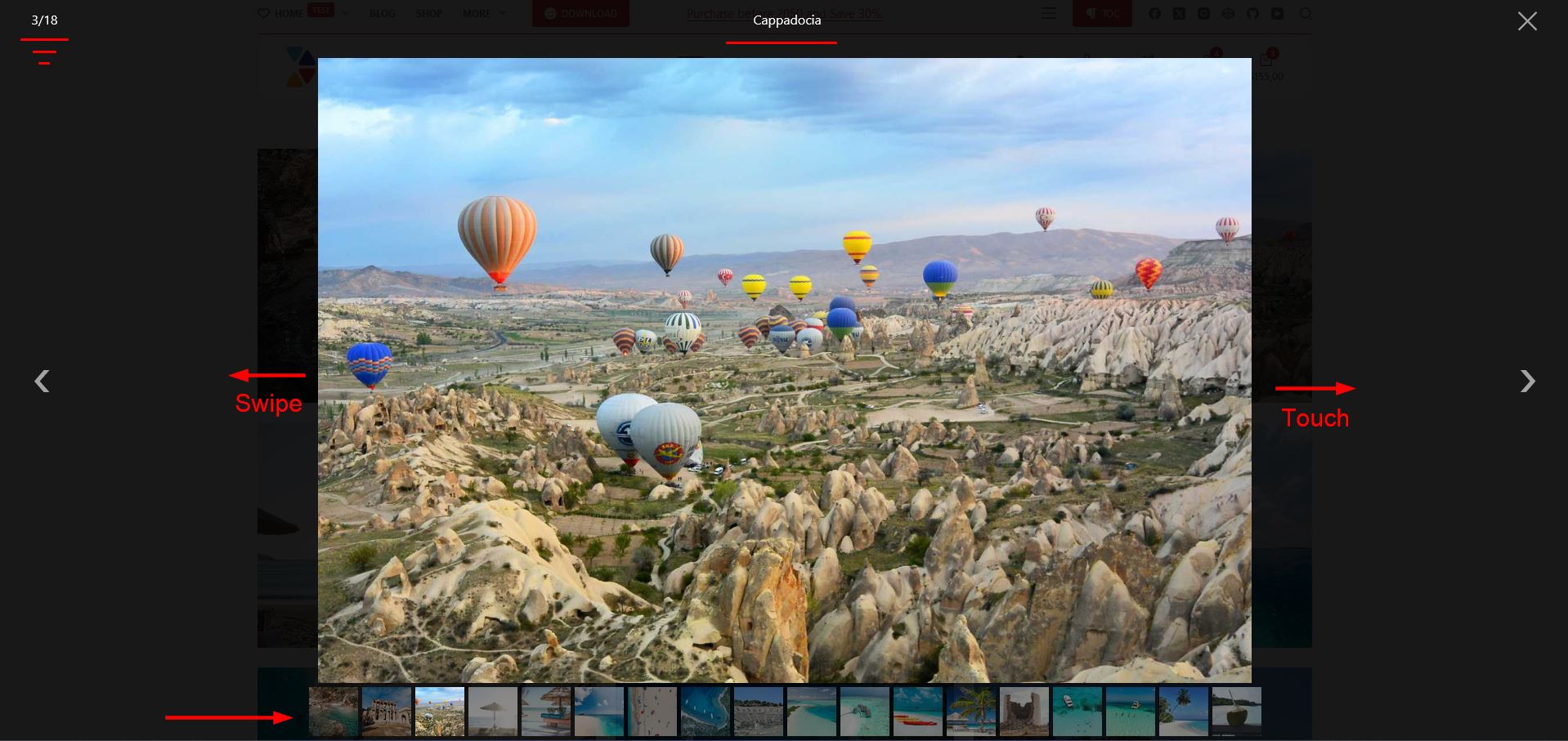
Gallery Block Lightbox adds a lightbox to the core WordPress Gallery block with a single toggle. Select "media file" under the "link to" dropdown in any gallery block and the lightbox toggle appears. Enable it, and your gallery opens images in a full-screen overlay with touch, keyboard, mousewheel, and drag support.
It only loads assets when a gallery block is actually present on the page — 2.78kb gzipped for both the JS and CSS combined. No jQuery, no dependencies, nothing unnecessary.
Features
Usage
After activation, open any Gallery block in the editor. Under the "link to" dropdown, select "media file." The lightbox toggle will appear in the block settings panel. Enable it and the lightbox is live on that gallery. To use it with custom-coded galleries, add your selectors via the provided filter hook.
Screenshots
Need something custom?
This plugin solves a specific problem. If you need something built around your setup, let's talk.